
SolCard is a custodial USD Visa you top up with crypto, with sharp costs and a few uncomfortable gaps
 Available in US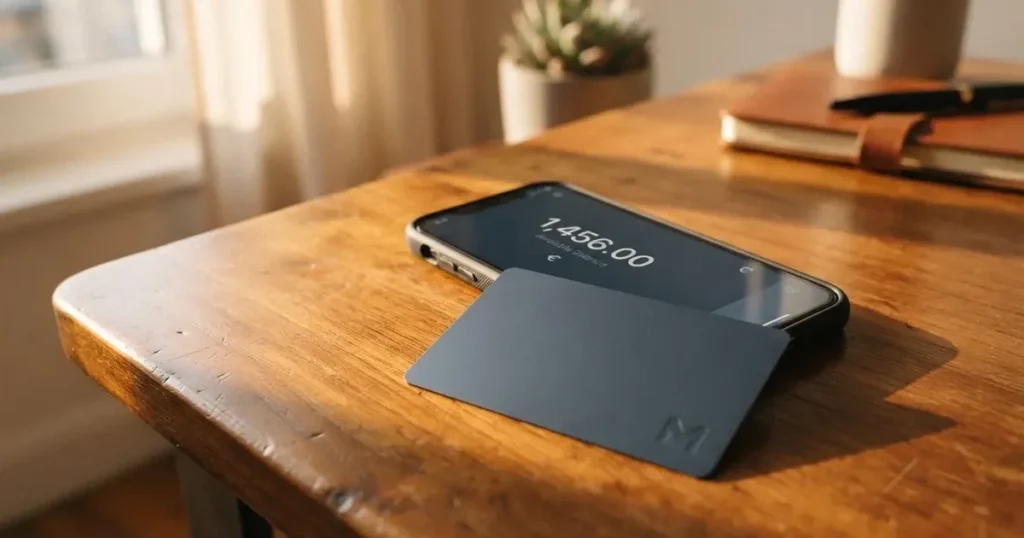
SolCard is one of the smaller names in the crypto-card space, and it leans hard on a single idea: take crypto from any wallet, convert it to a USD balance, and let that balance behave like a normal Visa payment card. There is a virtual card for online use and a Platinum physical card with contactless and mobile wallet support, and both are issued under a Visa licence. The product page is clear on those basics, and the company markets it as an easy on-ramp for people who already hold SOL, USDC, ETH or BTC and want to spend them without first selling to a bank.
I went through the company’s own terms and product pages, looked at the small public footprint it has on review sites, and compared it with three other cards in the same rough category. My overall score is 5.6 out of 10, which is honest about the gap between what the marketing page promises and what the terms actually commit to. The product is workable, but the fine print is thinner than the more established crypto cards, and the customer-experience evidence is mixed.
The conditions described in this review are current as of October 28, 2026.
Verdict: who SolCard suits, and who it does not
SolCard is built for one specific reader: a Solana user who already keeps SOL, USDC, ETH or BTC in a self-custody wallet and wants a USD card to spend that balance. If that is you, and you are willing to fund the Platinum tier so you do not pay the 5 percent top-up fee, the card does what it says on the tin. If you are looking for the cheapest card on the market, or you want a card with a clearly named regulated issuer, a published dispute process, and a track record of responsive support, this is not the place to start.
I scored it 5.6 out of 10. Cost pulls the score down because the default Virtual card charges a 5 percent fee on every top-up plus a USD 10 issuance fee per new card, and FX on the virtual tier runs 1-2 percent. Platinum is much cheaper, but you have to know to ask for it. Reliability and complaints pull it down further: the issuer is not named in public documents, the program manager is a small Hong Kong company, and the review-site picture is uneven. Top-up options are a solid 6 because the supported coins are the ones most users want, but no networks are named in the official terms, which is a real gap. Everyday use is the bright spot at 7 thanks to a Visa licence, Apple Pay on Platinum, and a USD balance that does not overdraw.
Below is the score table, with the marks broken down by criterion.
| Criterion | Mark | Why it lands there |
|---|---|---|
| Who can get it | 8 / 10 | Worldwide acceptance, with the usual sanctions and Hong Kong carve-outs |
| Cost | 4 / 10 | 5% + USD 10 top-up on Virtual, 1-2% FX, dormancy fee kicks in at 90 days |
| Top-up options | 6 / 10 | SOL, USDC, ETH, BTC from any wallet, but supported networks are not stated |
| Reliability and complaints | 3 / 10 | Issuer is not named, mixed reviews, account and support issues reported |
| Everyday use | 7 / 10 | Virtual and Platinum Visa, mobile wallets on Platinum, USD balance |
| Total | 5.6 / 10 | Best for crypto users who pay the Platinum price; weak on transparency |
Who SolCard will give a card to
The product page says SolCard is open to applicants worldwide, and adds a careful “eligibility may vary by region” qualifier. The terms narrow that down in two places. First, residents, people domiciled in, or people located in Hong Kong are excluded. Second, the usual sanctions regime applies: anyone in a country under comprehensive UN, US, EU or UK sanctions, or named on a sanctions list, is blocked.
There is no published list of accepted countries, no minimum age on the front page (the terms say 18+), and no income or residency test beyond the country rules. If you are reading this from a country where Visa cards themselves are restricted, the usual network-level blocks will apply on top of anything SolCard adds.
The terms are explicit that identity verification “may be required for certain card tiers, features, or spending limits,” but they do not say which tier triggers it, what documents are needed, how long review takes, or what causes a rejection. In practice, expect the same kind of document upload and selfie that other crypto cards ask for, but treat the lack of published timing as a real gap rather than a minor omission.
How to get the card
There is no separate “apply” path published on the product page. The flow described in the product materials is: open an account, top up the balance, and the card is issued. A virtual card appears “in about 18 seconds” once the first deposit confirms, according to third-party reporting, which is unconfirmed by SolCard itself; the company only promises that a virtual card is delivered for online use. Platinum users receive a physical card with contactless, Apple Pay and Google Pay.
The terms say KYC can be required for some tiers, features or spending limits, but they do not define the tiers. Third-party reporting says the virtual card is marketed as not requiring KYC and that Platinum does, and a Trustpilot review from July 2025 also reports that physical Apple Pay and Google Pay cards require KYC. Treat that as the practical rule until SolCard publishes its own breakdown: virtual is light-touch, Platinum is full KYC.
There is no published delivery window for the physical card. One unofficial report says no physical cards are being issued “for now” as of August 2026, which sits oddly with the product page still listing Platinum; if you need a physical card, expect to confirm availability at sign-up.
What it really costs: the fees side
SolCard’s pricing is two-tier, and which tier you pick changes the whole feel of the card. The Virtual tier charges a 5 percent fee on every top-up plus a USD 10 fee per new card, and a 1-2 percent foreign-exchange spread on spending. The Platinum tier has 0 percent on top-ups, 0-1.5 percent FX, no monthly fee for active accounts, and a USD 5,000 monthly spending limit on Virtual versus no published limit on Platinum.
The dormancy fee is the part that catches people out. There is no monthly fee while the account is active, but after 90 days of inactivity SolCard charges 10 percent of the balance per month. If you load a card, go on holiday, and forget about it, you can lose most of the balance within a year. The terms describe the inactivity period and the percentage, but the minimum top-up amount is published only inside the app and varies by card type.
| Item | Virtual | Platinum |
|---|---|---|
| Issuance | from USD 10 per new card | Not stated |
| Top-up fee | 5% + USD 10 | 0% |
| Foreign exchange | 1-2% | 0-1.5% |
| ATM fee | Not stated | Not stated |
| Monthly account fee | None while active | None while active |
| Monthly spending limit | USD 5,000 | No limit published |
| Dormancy fee | 10% of balance per month after 90 days inactivity | Same |
To make the fee structure concrete, three everyday payments. First, a USD 100 online subscription paid with the Virtual card: 0 percent in card fees, but the 5 percent + USD 10 top-up on the USD 100 you loaded has already cost you USD 15 before you spend a cent. Second, the same USD 100 paid with Platinum, after a top-up with 0 percent fee: you keep the full USD 100, and if the merchant is in EUR you pay at most 1.5 percent FX, so USD 1.50. Third, a USD 50 cash withdrawal from an ATM: the network or operator takes its own cut, and the SolCard ATM fee is not stated in the terms, which is the kind of gap that makes a fees page uncomfortable to read.
Help-center articles cited in third-party reporting give different numbers from the product page, including a USD 10,000 monthly limit on the virtual card and a USD 100,000 monthly limit on Platinum, but SolCard has not confirmed those. Until the company reconciles the two, treat the product page as the source of truth and the help-center numbers as out of date.
How to top up the card
Top-up is the part of SolCard that is genuinely simple in concept. You send supported crypto from any external wallet to the address the app gives you, and the balance lands in USD after blockchain confirmation at that moment’s price, minus the displayed top-up fee and any conversion spread. The supported assets are listed in the product materials as SOL, USDC, ETH and BTC, with stablecoins also accepted; “instant top-ups from any wallet” is the language used on the page.
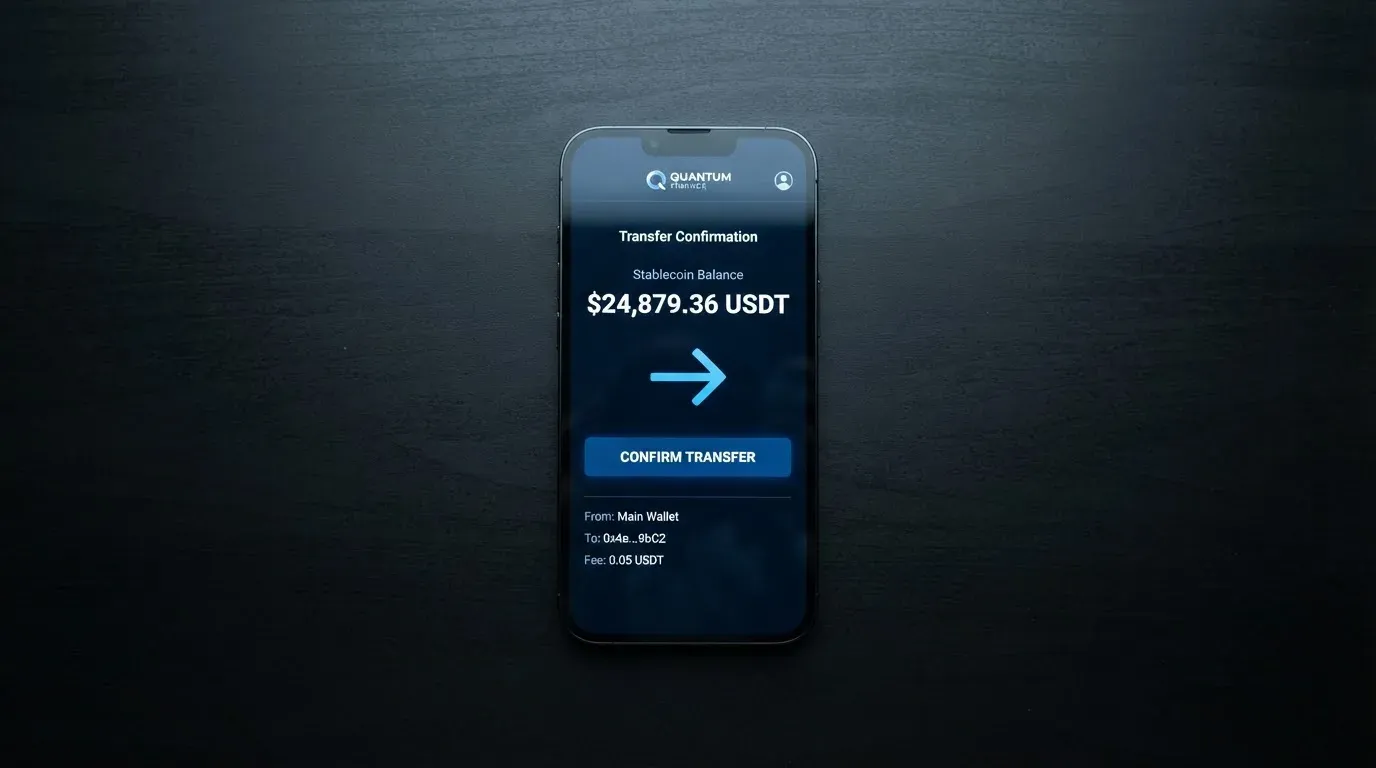
What is missing is a list of networks. The product page and terms do not state which chain each token is accepted on, and that matters: stablecoins typically have several, and sending on the wrong network is a common way to lose funds. A USDT or USDC transfer sent on a network SolCard does not support is, in practice, a manual support recovery with no guarantee, because blockchain transfers are irreversible. This is the single biggest practical risk in the funding flow, and it is not addressed on the public pages.
The minimum top-up amount is not published either; the terms say it is shown in the app and varies by card type. Fiat top-up options are not stated. There is no Apple Pay or card-based top-up path described, even though peer products often have one. If your only funding source is a bank transfer or card top-up, SolCard may not be the right card yet.
For withdrawals, the terms cover three cases. Unused balance can be withdrawn subject to minimums, verification and processing windows shown in the app. On cancellation, a balance at or above the published minimum refundable amount is returned, and balances below that are forfeited. On termination, eligible balances can be withdrawn except where holds, disputes, chargebacks or legal restrictions apply. There is no fiat withdrawal fee published, no mention of SEPA or ACH support, and no specific processing time, which is thin compared to what established crypto cards publish.
Paying with SolCard every day
Once the balance is loaded, paying with SolCard is meant to feel ordinary. The virtual card is for online checkout: you read the card number, expiry and CVV from the app and type them into a website. Platinum is the physical card with contactless and, on Apple Pay and Google Pay, the same tap-to-pay experience as a normal bank card. There is no mobile wallet support on the virtual tier, which means anyone who wants Apple Pay or Google Pay has to go Platinum.
A small practical warning: not every merchant accepts every card. Prepaid-style cards, in particular, can be declined by merchants that filter on card type or issuer country, and Address Verification Service is rarely available on foreign-issued cards, which can trigger an online decline even when the balance is fine. SolCard’s terms are honest about this: merchants restricted by the issuer or the card network may be declined, and a handling fee may be charged for disproportionately many declines, reversals or disputes.
There is no published list of blocked merchant categories, and no published cashback or rewards on the official pages. Third-party reporting mentions a prize-draw entry system for eligible spending rather than cashback, but that is not confirmed by SolCard. The product page also mentions only a “Dashboard” in the app, and the company has not published app-store ratings, so the quality of the iOS and Android experience is hard to judge from the outside.
On disputes, the terms give no time frame for filing or resolution. Disputes can hold withdrawals, and contractual disagreements are routed to HKIAC arbitration in Hong Kong in English with a single arbitrator, which is a long way from a small chargeback at a coffee shop. For a card aimed at people without easy access to a bank account, that choice of forum and the absence of a published dispute process are worth weighing.
What can go wrong
This is the part of any crypto-card review where the company and the user experience have to be read together.
The program manager is SC PAYMENTS LIMITED, registered in Hong Kong (BRN 78350827), at Unit 1603, 16/F, The L. Plaza, 367-375 Queen’s Road Central. SolCard describes itself as the program manager and technology platform, and says it is “not a bank.” The actual issuer, in the language of card networks, is an unnamed licensed financial or e-money institution operating under a Visa licence. That is the entity whose regulator you would normally want to identify before loading funds, and the company does not name it on the public pages.
The customer-experience picture is mixed. Trustpilot shows a 3.1 out of 5 score across 29 reviews, with 38 percent five-star and 52 percent one-star; the sample is small, but the themes are not. The recurring complaints, on dates as recent as October 2026, include withdrawals and transfers that get stuck, declined payments, unauthorised or disputed charges, support that does not respond, and one report of a card being cancelled with funds still on it. Trustpilot also flags that the company “may be associated with high-risk investments,” and an automated trust score from a third-party ratings site sits at 2.1 out of 5. There is also a phishing-risk flag worth knowing about: a look-alike domain, solcards.cc, has been associated with scams, and the real domain is solcard.cc.
On the upside, the company’s Trustpilot replies in October 2026 describe recent changes: removal of the USD 20 minimum withdrawal, a rework of the withdrawals and transfers flow, a fix to a deposit hold, and a public note that recent card declines are driven by stricter card-issuer rules rather than by SolCard itself. Third-party reporting also says the company began publicly replying to old complaints in July 2026, which is the right direction but does not undo the history.
Custodial risk is the other piece. SolCard holds your balance after top-up, converts it to USD, and is responsible for it until you spend or withdraw. If the company fails, is sanctioned, or simply decides to wind down the programme, your ability to recover the balance depends on the legal entity that holds it and the rules in its jurisdiction. Card-programme closures typically give a notice period, stop loading, stop spending, then ask users to withdraw; a 2026 closure of an unrelated card is reported in a single secondary source as ending new loads on 8 July 2026 and spending on 8 August 2026, which is the kind of timeline you should be ready for.
There is no published 2FA, freeze or insurance scheme in the terms, and no mention of segregated client funds. Standard user obligations apply: protect the card number, CVV and PIN, report loss promptly, and bear liability for unauthorised use as the law allows. Withdrawals can be delayed for security review without a published time limit.
What to take instead
SolCard is not the only USD or EUR card you can fund with crypto. Three alternatives, briefly, scored against the same yardstick.
Bitrefill scores 6.8 out of 10. It offers a virtual and physical Visa, with deposits in Bitcoin, Lightning, Ethereum, USDC, USDT, Solana and a few other coins, plus Apple Pay, Google Pay, Visa, MasterCard and SEPA as funding options. The card page advertises the card as free through the app, with 1.99 percent on SEPA pay-ins and a conversion spread on crypto-to-euro deposits (the percentage is not stated). Cashback is 2 percent total with no cap, split 1 percent on each crypto deposit and 1 percent on each purchase. Country eligibility is described in general terms only, and the card currency is euro rather than US dollar.
UPay scores 6.1 out of 10. It supports both personal and business cards, virtual and physical, and claims reach in 180+ countries with a country blacklist that may change. The KYC partner accepts only identity documents issued by the same country as the user, which can be a barrier for travellers and expats. Wallet top-ups are in BTC, ETH, USDT and USDC, with payments settled in USD, EUR, AED and others. No cashback is published, and no top-up or spending fees are published either, which makes it hard to model the cost before signing up.
Kemy scores 6.0 out of 10. It sells unlimited virtual Visa cards and one physical Mastercard per user, and claims to cover 190+ countries with a few restrictions. The pricing is more complex: USD 15 issuance for a virtual card valid 3 years with a USD 2 monthly fee, and USD 250 issuance for a physical card with DHL Express included, USD 10 monthly fee. Top-up fees are USD 1.50 under USD 100 or 1.25 percent from USD 100, with a USD 5 minimum (or USD 10 on the physical card), and a 3.5 percent + USD 1 transaction fee on virtual. The pricing page shows a main-account deposit fee of 8 percent in one place and 5 percent in another, which is a transparency problem of its own.
| Card | Score | Best for | Watch out for |
|---|---|---|---|
| SolCard | 5.6 / 10 | Solana users with a USD spending need | Unnamed issuer, dormancy fee, mixed support record |
| Bitrefill | 6.8 / 10 | Euro spending with 2% cashback and a free card | Country list not stated, spread not published |
| UPay | 6.1 / 10 | Personal and business in 180+ countries | KYC partner accepts only same-country IDs, fees not published |
| Kemy | 6.0 / 10 | Heavy users who want multiple virtual cards | High monthly fees, conflicting fee numbers on the pricing page |
Who I would recommend SolCard to
If you already hold SOL or USDC in a self-custody wallet, you only need a USD-denominated card, and you are willing to load the Platinum tier so the top-up fee is zero, SolCard does the job. The card is a real Visa, mobile wallets work on Platinum, and the spending experience is unremarkable in the way a good payment card should be. It is also a sensible option for someone who is locked out of a bank account and is comfortable managing a custodial crypto balance instead, as long as they understand the counterparty risk and do not leave funds sitting unused past 90 days.
If you are choosing a card primarily on cost, look at Bitrefill, where the card is free and the cashback is 2 percent. If you need a card that is clearly issued by a named bank or e-money institution in a well-regulated jurisdiction, with a published dispute process, you are probably looking at one of the larger and more established crypto cards rather than SolCard. If you are an expat whose documents are issued by a different country than your current residence, UPay’s same-country ID rule is a real obstacle to factor in.
I would not recommend SolCard to a first-time crypto user, to someone who plans to keep more than a small spending balance on the card, or to anyone who needs a published dispute or refund time frame and a regulator they can name.
Frequently asked questions
What is SolCard card?
SolCard is a prepaid-style Visa card whose balance is funded with cryptocurrency. The company accepts SOL, USDC, ETH, BTC and other supported digital assets, converts them to USD at the moment of blockchain confirmation, and lets you spend that USD balance online (Virtual) or in person and via mobile wallets (Platinum).
Is SolCard a bank?
No. SolCard describes itself as the program manager and technology platform, and is not a bank. The actual card is issued by an unnamed licensed financial or e-money institution under a Visa licence, and the program manager is SC PAYMENTS LIMITED, a Hong Kong-registered company.
Who owns SolCard?
The product is operated by SC PAYMENTS LIMITED, registered in Hong Kong (BRN 78350827). The card-issuing bank or e-money institution behind the Visa licence is not named in the public materials, and the company behind the program manager is not publicly disclosed either.
How does SolCard card work?
You open an account, send supported crypto from any external wallet to a deposit address the app shows you, and the equivalent USD value lands on your card balance after the network confirms. You then spend that balance with the card number online, or with the physical Platinum card in shops and on mobile wallets.
Does SolCard card require KYC?
The terms say KYC “may be required for certain card tiers, features, or spending limits,” but the tier-by-tier rule is not published. In practice, third-party reporting and customer reviews indicate the virtual card is light on checks and the Platinum physical card requires identity verification.
How do I top up SolCard card?
Open the app, copy the deposit address for the asset you want to send, and transfer from any external wallet. The balance arrives in USD after blockchain confirmation at that moment’s price, minus any top-up fee and conversion spread shown in the app. Networks are not stated on the public pages, so check the in-app guidance before sending.
How do I add SolCard card to Apple Wallet or Google Pay?
Mobile wallet support is on the Platinum tier only. Open the Wallet app on iOS or Google Pay on Android, follow the in-app “add card” flow, and complete the issuer’s verification. There is no published separate activation step.
Is SolCard card safe?
The card uses standard Visa rails, and you are responsible for the card number, CVV, PIN and prompt reporting of loss. The platform is custodial, meaning the company holds your USD balance between top-up and spend, and the underlying issuer is not named in public. Treat the funds as exposed to the same counterparty risk that affects any prepaid card programme.
How do I withdraw money from SolCard?
You can request a withdrawal of unused balance from the app, subject to the minimums, verification status and processing windows shown there. On cancellation, balances below the published minimum refundable amount are forfeited, and on termination, holds, disputes and legal restrictions can block withdrawal.
Is SolCard card worth it?
If you already hold SOL, USDC, ETH or BTC and want a USD Visa to spend, the Platinum tier is a workable option at 0 percent top-up and 0-1.5 percent FX. If you are choosing on cost, the virtual tier’s 5 percent + USD 10 top-up is steep, and the 90-day dormancy fee will eat into any balance you leave sitting idle.
Virtual cards – cryptocardbasics
Content created by the «cryptocardbasics» team